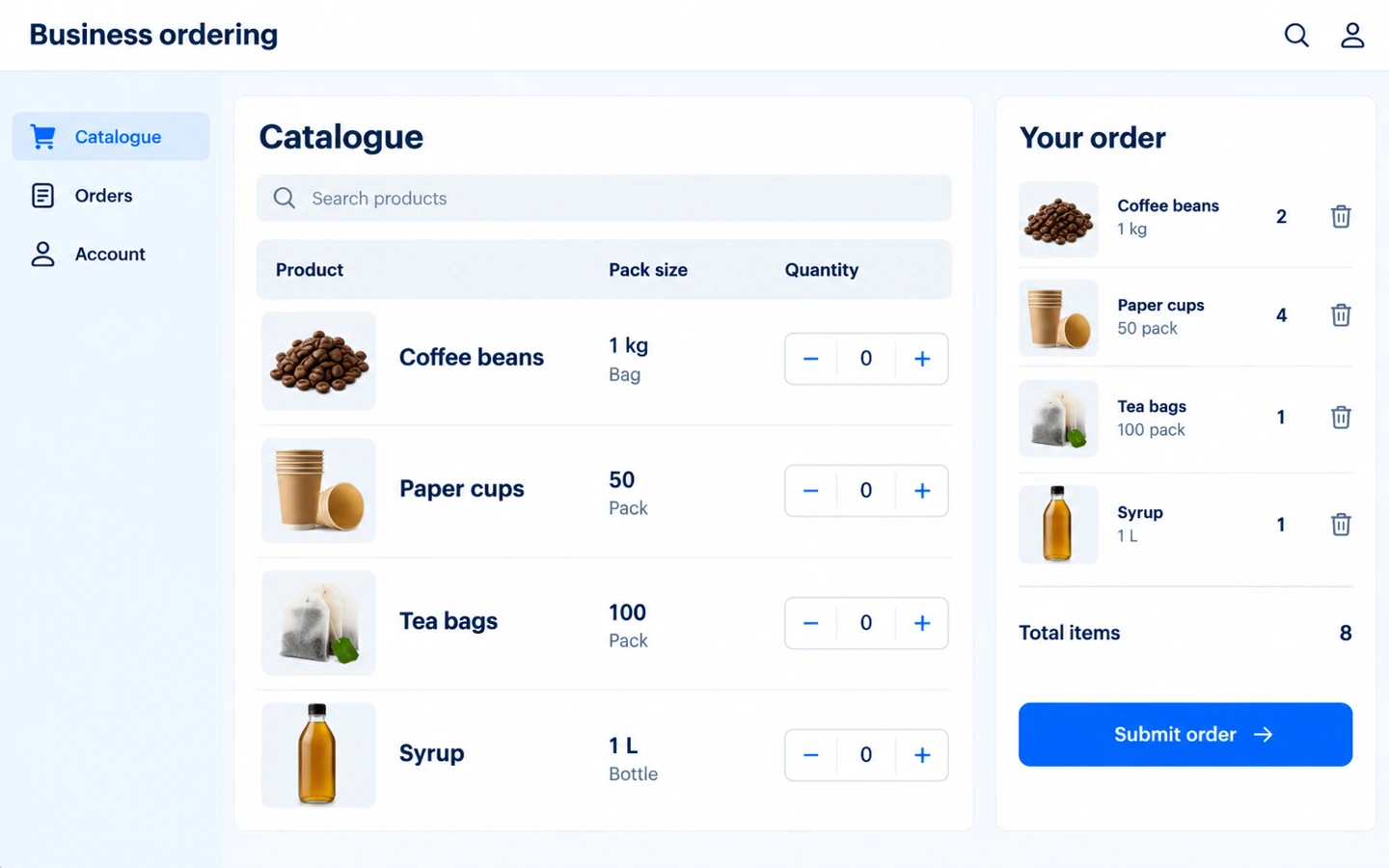
Explore how a mature B2B sales product fits business-customer ordering. This project area connects the buyer catalogue and ordering steps with the sales team’s internal handling process.
Describe the customer groups, product information and sales rules that matter. Review customer and staff responsibilities, access requirements and the interfaces linking ordering to enterprise operations.
Search products and filter by category or brand. The ordering page uses the selected customer’s member level for pricing and supports configured selling units, so the buyer can select the relevant unit and quantity.
Product search and filters
Member-level pricing
Selling units and quantities
Ordering
Customers can build their own cart. In administrator mode, staff select a customer and prepare an order on their behalf. An order preview shows calculated totals and validates the checkout before submission.
Customer self-service ordering
Staff-assisted customer orders
Order preview and address checks
Customer account
The account page shows membership information, wallet balance and balance transactions. Customers can review order history and open order details without asking the sales team to retrieve each record.
Membership and account information
Wallet balance and transactions
Order history and details
Shared operations
B2B retrieves products, selling units and member levels from OmniStore services and submits orders to the backend. Links to a separate finance or ERP system are reviewed as an additional integration.
Shared product catalogue
Backend order submission
Separate ERP integration scoping
Customer names and project-specific results will be added as individual case studies become available.