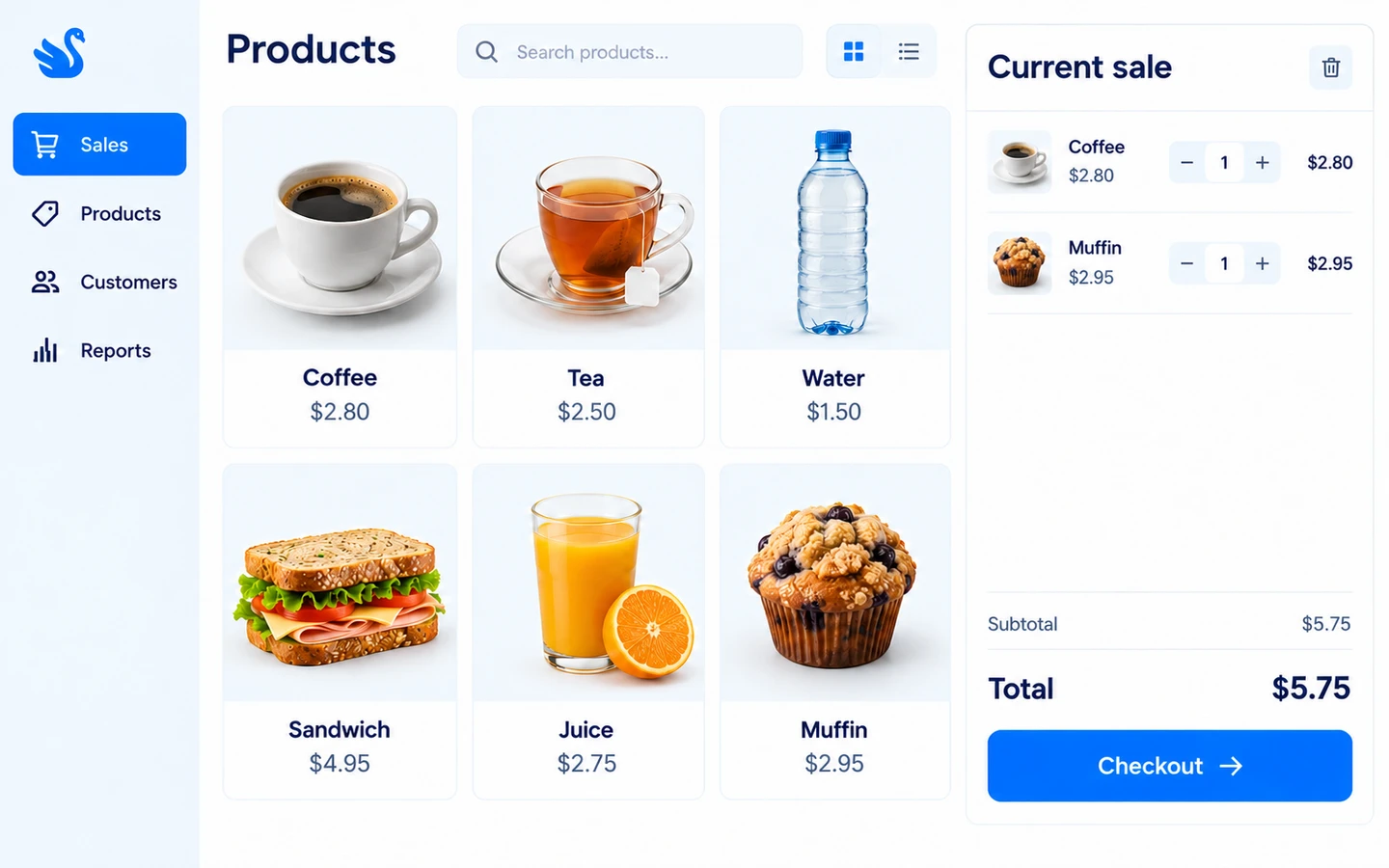
Explore the retail checkout workflow supported by our mature POS product. This project area covers the relationship between selecting products, completing a sale and connecting the store to wider business systems.
Start with examples from the shop floor: product selection, sales steps and the information staff need. Confirm the supported device and software setup, catalogue requirements and any ecommerce or ERP interfaces before agreeing delivery.
Build the sale from the product catalogue, take cash or EFTPOS, and use mixed payments when a customer pays through more than one method. Hold a sale and resume it, then find completed sales in the history panel.
Cash, EFTPOS and mixed payments
Hold and resume sales
Sales history and returns
Products
Use product selection and configurable quick buttons at the till. The POS receives catalogue updates through its local Agent, keeping the cashier workflow connected to the central product setup.
Product picker and quick buttons
Catalogue synchronisation
Configured prices and discounts
Members
Select a member during a sale, apply available points and use wallet balance where enabled. The payment panel shows the discount and payable total so the cashier can explain the transaction before taking payment.
Member selection
Points redemption
Wallet balance payments
Devices & orders
The local POS Agent handles receipts, payment-terminal communication and order synchronisation. Printer and EFTPOS setup is checked against the actual devices; connections to a separate ERP are scoped individually.
Receipt printing
EFTPOS terminal configuration
Central order synchronisation
Customer names and project-specific results will be added as individual case studies become available.